BAPIMatic turns standard and custom SAP BAPIs and RFMs into reusable Excel templates, so business users can run mass uploads themselves instead of keying them manually. It connects from outside the SAP core for API-level performance and full governance, with nothing installed in SAP.

Trusted by organizations running complex, high-stakes operations.






When high-volume SAP work depends on manual entry, custom scripts, or screen recordings, every upload becomes slower and more fragile than it needs to be. BAPIMatic automates manual steps, giving users a governed way to execute mass SAP uploads.

Use BAPIs and RFMs that are faster and more reliable than screen-dependent transaction scripts.

Connect without installing software inside SAP, so your mass upload processes fit a clean-core S/4HANA strategy.
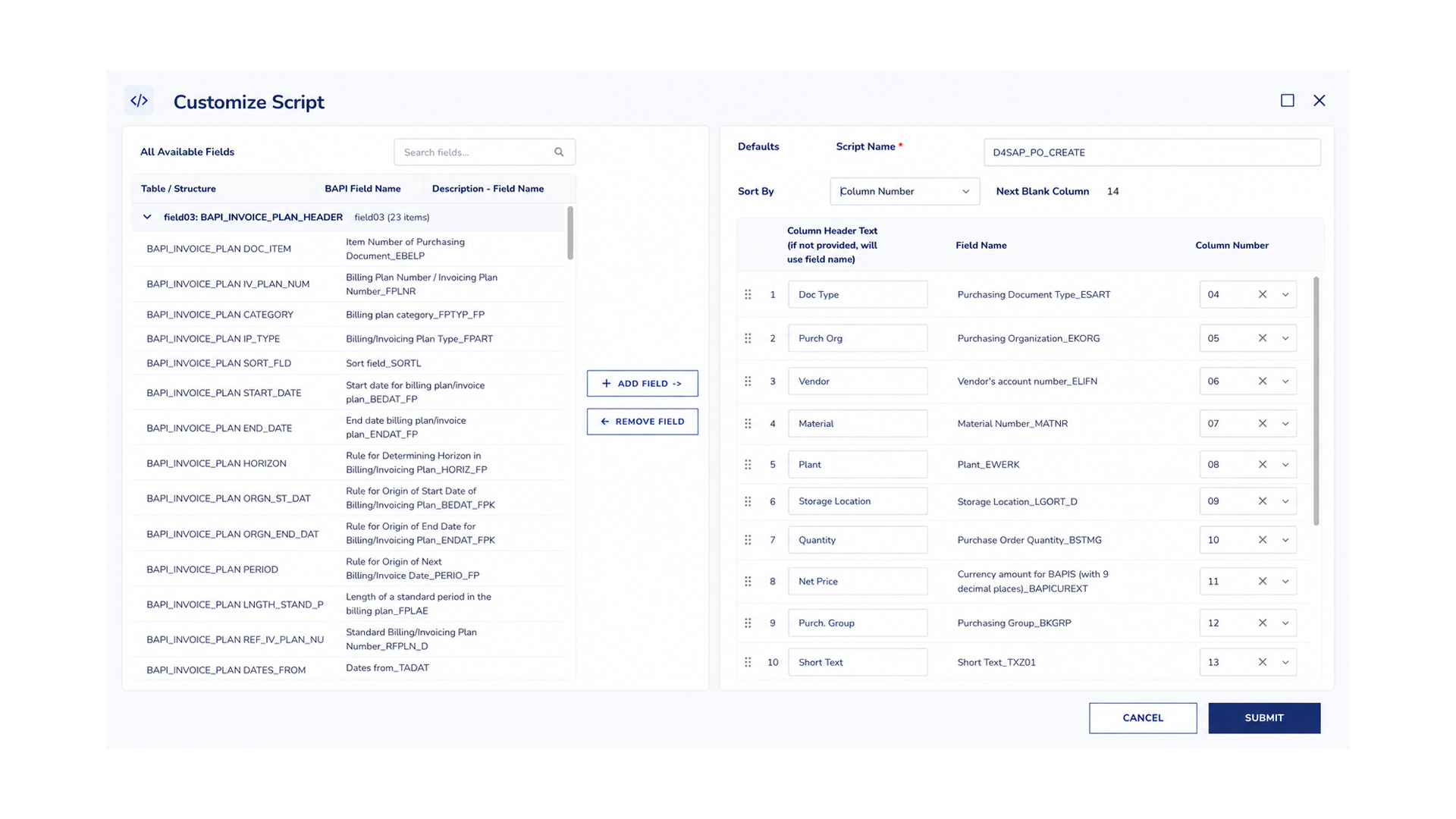
BAPIMatic distills SAP metadata into an intuitive interface, where business users can build governed templates without IT involvement.

Connect to your SAP environment through SAP's standard .NET API, with no software installed in SAP. Filter the fields from any standard or custom BAPI or RFM down to what your process requires.
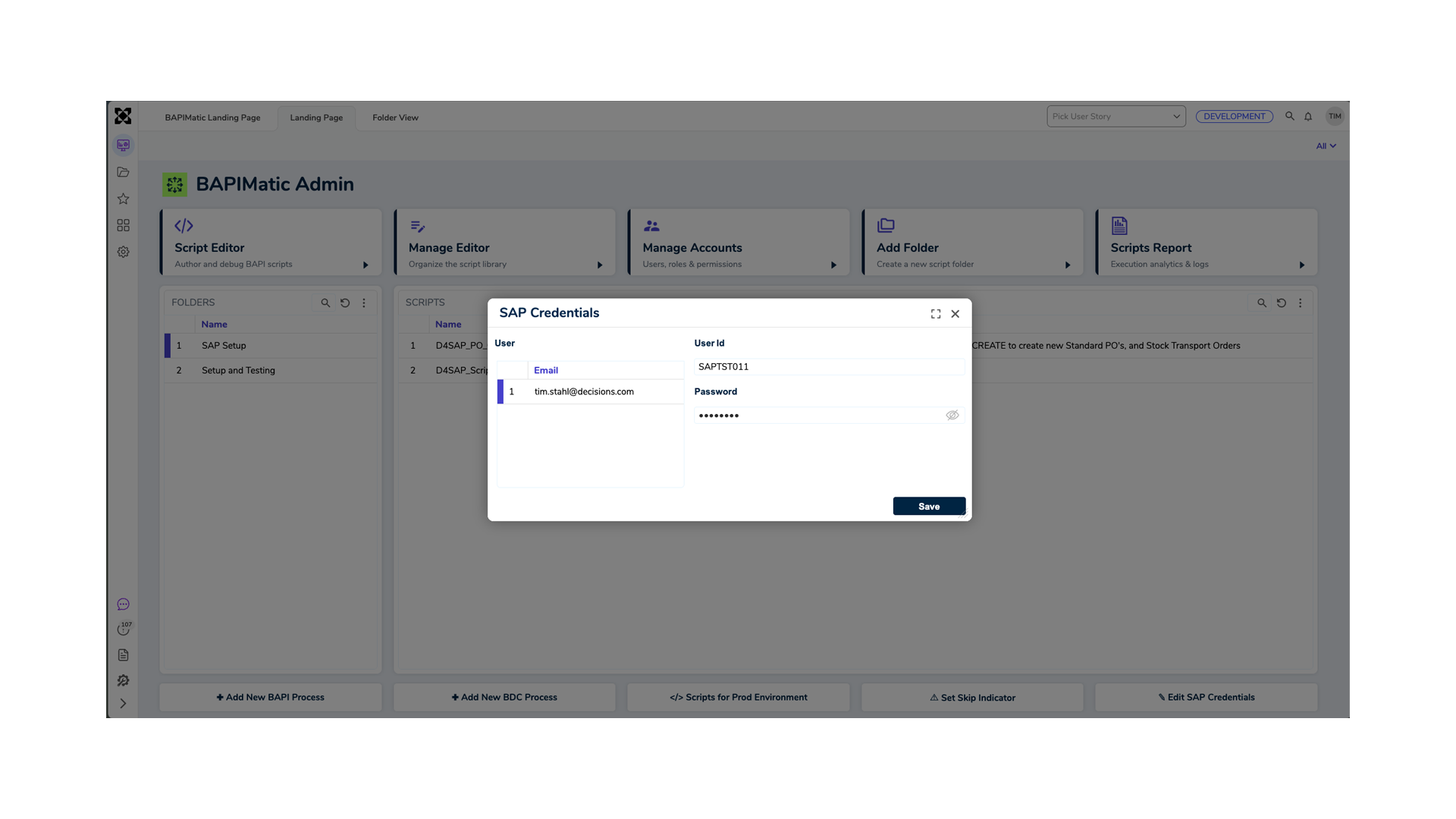



BAPIMatic runs entirely in the browser, connected straight to SAP. No custom ABAP to write, nothing to install on user desktops.
See what happens when mass SAP uploads move from fragile scripts to a governed, API-driven approach.
✘ Screen-dependent recordings break when SAP screens or flows change.
✘ Mass uploads run slowly when they constantly require human input.
✘ Teams need additional tooling or licensing layers for governance and distribution.
✘ Business users depend on specialists to keep scripts current and reliable.
✘ Extra tools or licenses for governance and distribution
✔ Uses SAP BAPIs and RFMs to avoid screen dependencies.
BAPIMatic is a browser-based tool from Decisions for running SAP mass uploads and recurring data updates from Excel. It posts data through standard and custom BAPIs and RFMs, with governance, reporting and reusable templates built in.
For many BAPI/RFM-driven mass upload scenarios, yes. BAPIMatic gives teams a governed Excel-to-SAP workflow without relying on screen-dependent transaction recordings.

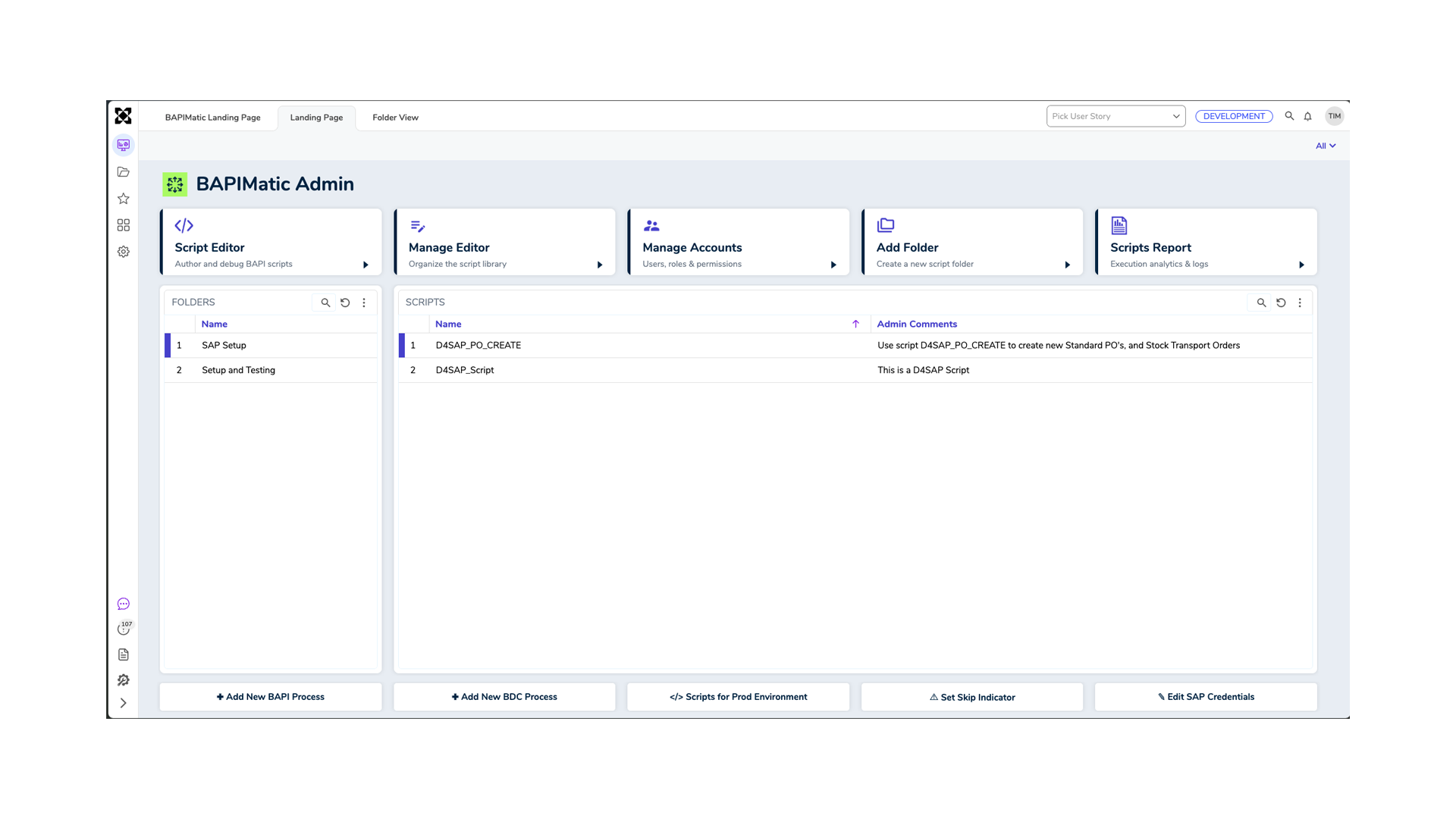
BAPIMatic lets organizations design, govern, execute, and measure SAP mass data processes through a secure interface while fully maintaining SAP standards. See BAPIMatic in action.



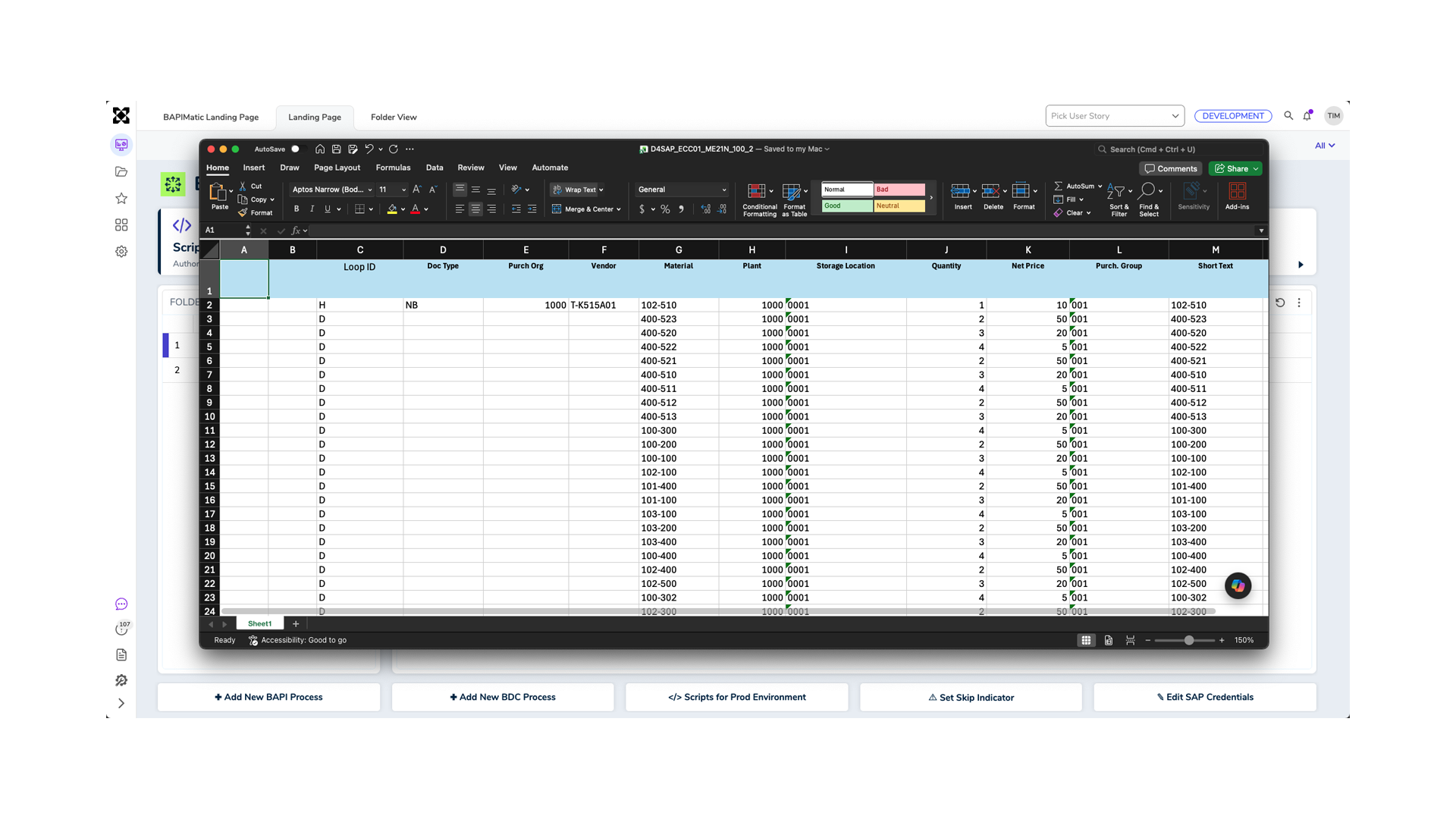
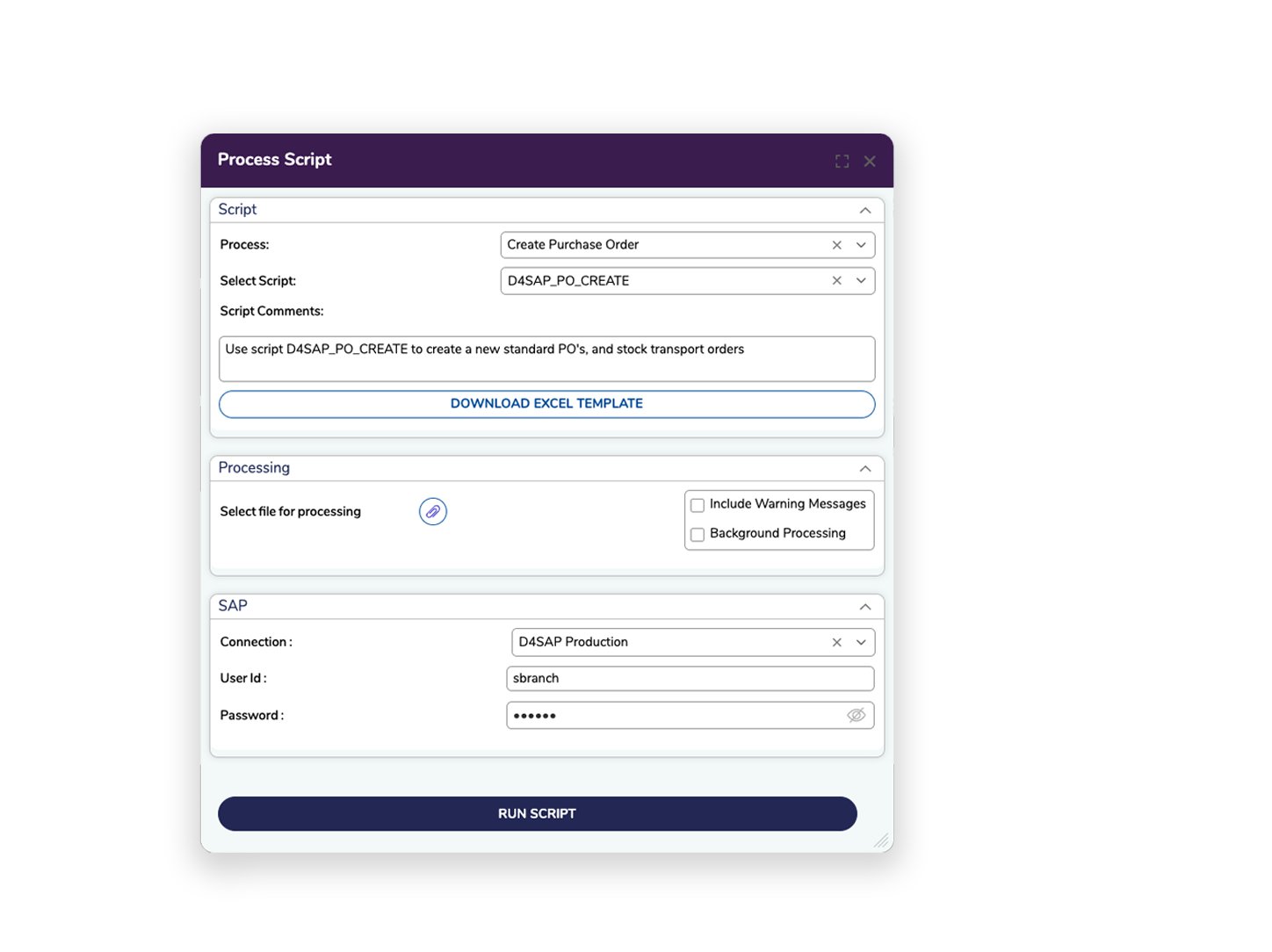
Download templates, populate rows in Excel, and upload governed data into SAP.

Control who can access each script, what fields they can use, and how every execution is tracked. All SAP authorizations are enforced through SAP’s standard .NET API.
✔ Provides API-level performance for high-volume SAP data uploads and updates.
✔ Includes out-of-the-box governance on the Decisions platform.
✔ Lets teams move faster by reusing governed, Excel-based upload templates.
✔ Built in on the Decisions platform.
No. BAPIMatic connects to the customer’s SAP environment externally and does not require SAP-side software installation.
Yes. Users can download a mapped Excel template, populate it with data, and upload it through the governed BAPIMatic process.
Yes. BAPIMatic can work with SAP standard BAPIs and customer-specific custom BAPIs/RFMs.
BAPIMatic uses deterministic, governed automation for SAP execution. Because it is built on the Decisions platform, teams can add AI-enabled assistance and orchestration where appropriate while maintaining rules, workflow, approvals, and auditability.